
EXIF Data: The Invisible Details You Share With Every Photo
GPS coordinates, device model, editing software, timestamps — photo metadata travels with your images. What EXIF reveals and how to control it before sharing.
Toolverse Editorial
Practical writing on privacy, browsers & getting things done
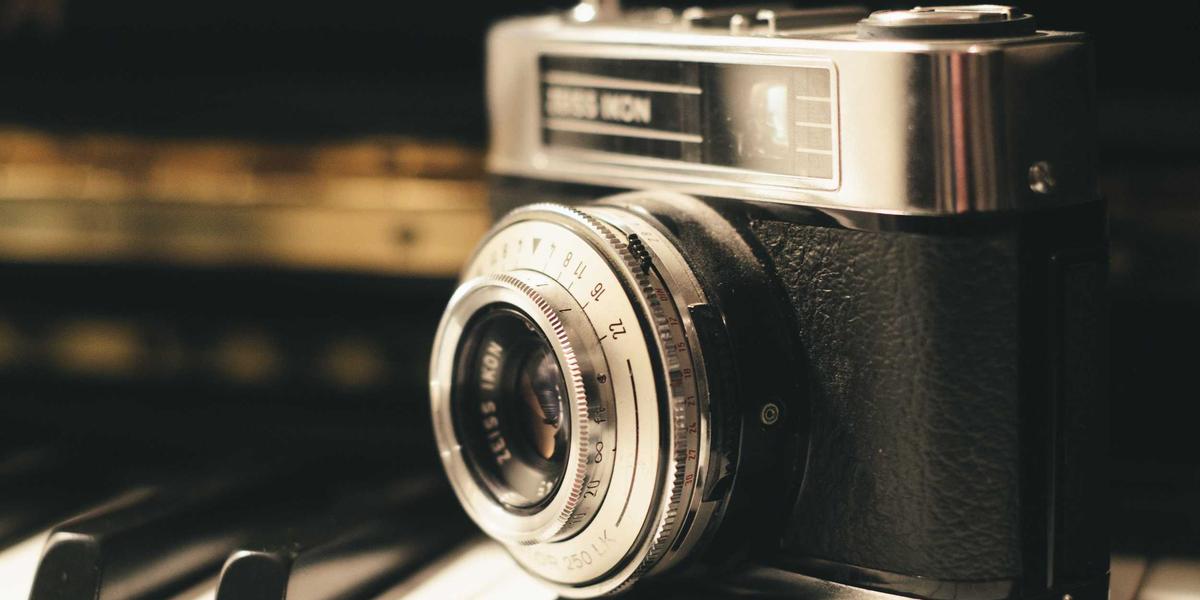
Every photo is two photos
The JPEG you post contains the pixels everyone sees — and a second, invisible document sewn into the file: EXIF metadata. It typically records the camera or phone model, exact date and time, exposure settings, editing software used, and — on phones with location services enabled — the GPS coordinates where the shot was taken, often accurate to a few meters.
That is how 'stripped' celebrity photos have still leaked home addresses, and why intelligence agencies famously love social media: people publish coordinates voluntarily, one vacation picture at a time.
What EXIF actually contains
Open a photo's metadata and you may find: the exact device ('iPhone 15 Pro' or 'Canon EOS R6'), the lens and focal length, whether flash fired, the software that last touched the file (a giveaway for manipulated images), a unique serial number in some cameras, and the embedded thumbnail — which occasionally shows an earlier version of the image that was edited away.
For investigators and forensics tools, this is gold: metadata consistency is one of the strongest signals when verifying whether a photo is original or doctored. For everyday privacy, it is a quiet leak most people never think about.
Where leaks actually happen
Here is the nuance: the big social platforms (Instagram, Facebook, WhatsApp, Twitter) strip most EXIF on upload — partly for privacy, mostly for storage. The leaks happen everywhere else. Email an original file, drop it on a forum, sell something on a marketplace with 'original quality' photos, or share via a cloud link, and the metadata rides along.
The professional habit is simple: before a photo leaves your device through any channel you do not control, check what it carries — and strip what it does not need. Screen captures and re-exports naturally remove metadata, but dedicated tools do it without re-compressing the image.
A 30-second privacy routine
Before sharing anything sensitive: check the metadata first so you know what is there; strip location and device fields for anything public; and be extra careful with photos taken at home — the GPS tag of 'random street photo' is harmless, the GPS tag of your living room is not. The whole routine takes less time than choosing a filter.
Metadata awareness is one of those habits that costs seconds and occasionally saves you from something serious.
Frequently Asked Questions
Do all photos have EXIF data?
Most photos from phones and cameras do. Screenshots, images downloaded from social platforms and files that passed through messaging apps usually have metadata stripped.
Can I remove EXIF data without losing quality?
Yes — dedicated metadata tools rewrite only the metadata block and leave the image pixels untouched, so there is no quality loss at all.
Does EXIF prove a photo is authentic?
It helps but does not prove it — metadata can be edited. Forensic tools look at consistency across many signals (thumbnails, compression history, signature trails) rather than trusting EXIF alone.
Tools Used in This Guide
Toolverse Editorial
We write practical, no-fluff guides on privacy, browser technology and getting things done faster — everything we publish is free to read, and every tool we build runs entirely in your browser.
More from the blogarrow_forward